A real phone call with a tutor who never runs out of patience
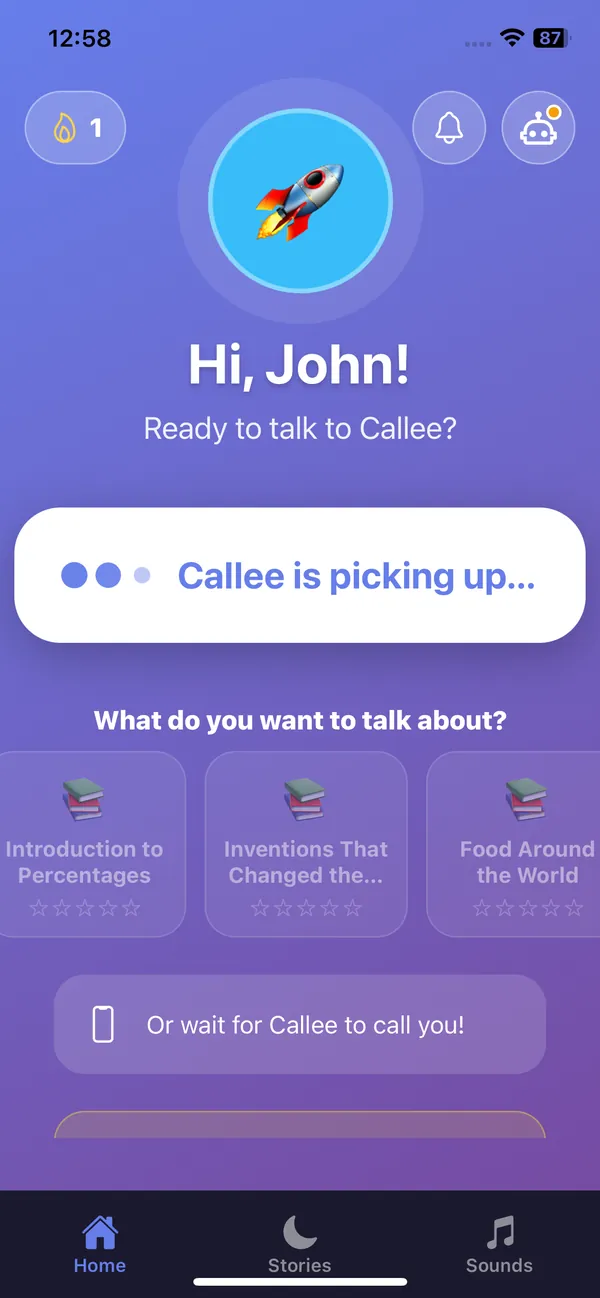
No typing, no reading required. Your child presses one big button, or Callee rings them, and they just talk.
Rings like a real call
The child's phone or tablet rings with a full-screen call, even when it is locked. Pick up and start talking.
Your child, you, or a schedule
Kids can call Callee themselves, parents can start a call from the web or the app, or calls happen on a weekly schedule.
Five kinds of call
Prepare before a lesson, Teach something new, Revise, Test what stuck, or just chat freely about anything.
A face that listens
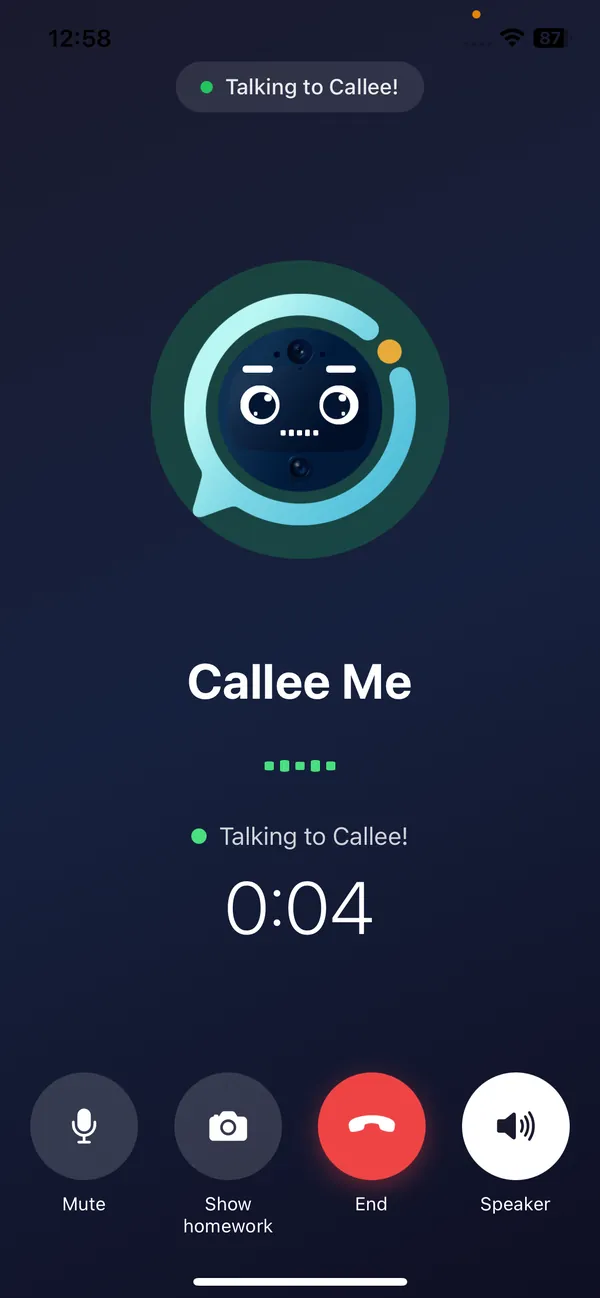
Callee's animated face looks happy, curious or thoughtful and its mouth moves with its voice, so it feels like talking to a friend.
Remembers your child
Callee keeps memories from earlier calls, so it can ask how the football match went or pick up where you left off.
Choose the voice
Pick the voice your child hears, per language, and teach Callee how to pronounce your child's name.
It talks and draws at the same time
While Callee explains, the screen comes alive with the right picture for the moment: number lines, fractions, the water cycle, a map, a musical scale.
Over 70 interactive visuals
Maths, science, reading, music, history and language learning, each drawn live and revealed step by step.
Tap or say the answer
Kids answer by tapping a choice or just saying it. A happy sound for a good answer, a gentle hint for a wrong one.
Reading together
A short passage appears with the current word highlighted. Callee and your child take turns reading aloud.
Show your homework
Hold the worksheet up to the camera. Callee reads it, puts the problem on screen and guides your child with hints. Photos are read once and never stored.

Any lesson you want, made in seconds
Use the ready-made courses, or turn tonight's homework into a lesson. Callee teaches it, checks it and tells you what stuck.
AI lesson creator
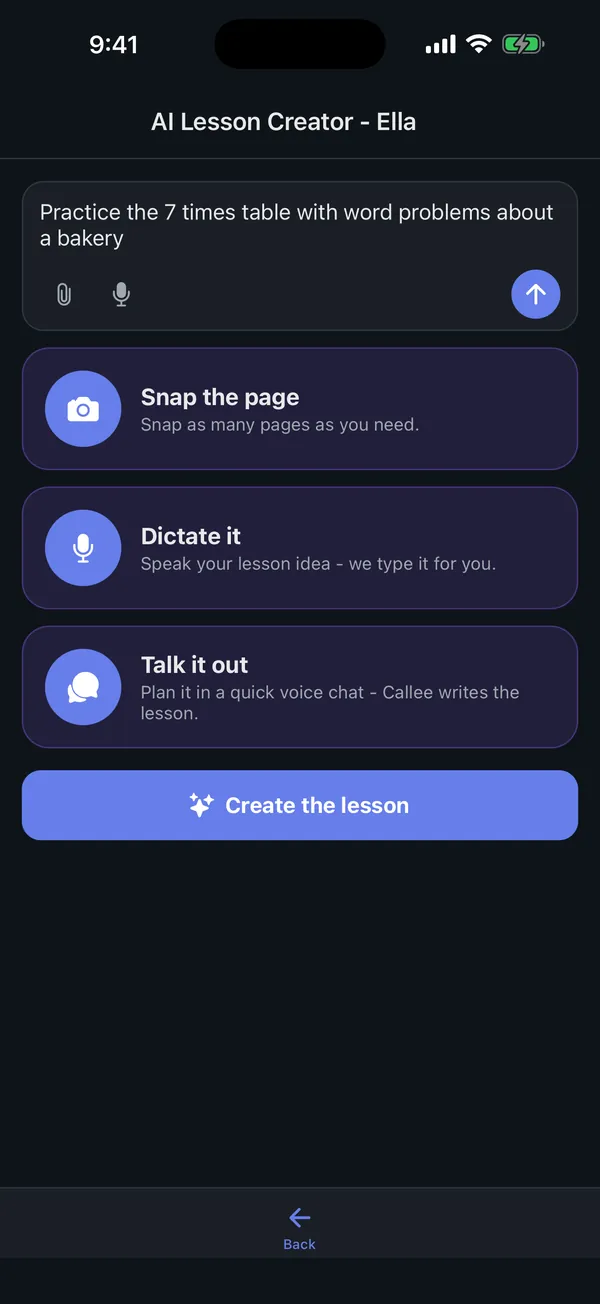
Type it, dictate it, snap a page of the textbook, or talk it through. Callee writes the lesson and can start the call right away.
A study plan in one tap
Callee suggests a few subjects with lessons in order. You review everything before anything is saved.
Homework and schoolwork
Assign lessons as homework, and see teacher assignments in one place. It only counts as done when your child actually talked it through.
Mastery you can trust
Every call is assessed through conversation, not multiple choice. Mastered lessons earn up to three stars, and stars never go down.
Your own subjects
Create subjects and lessons of your own. Home-schooling parents get the same tools teachers use.
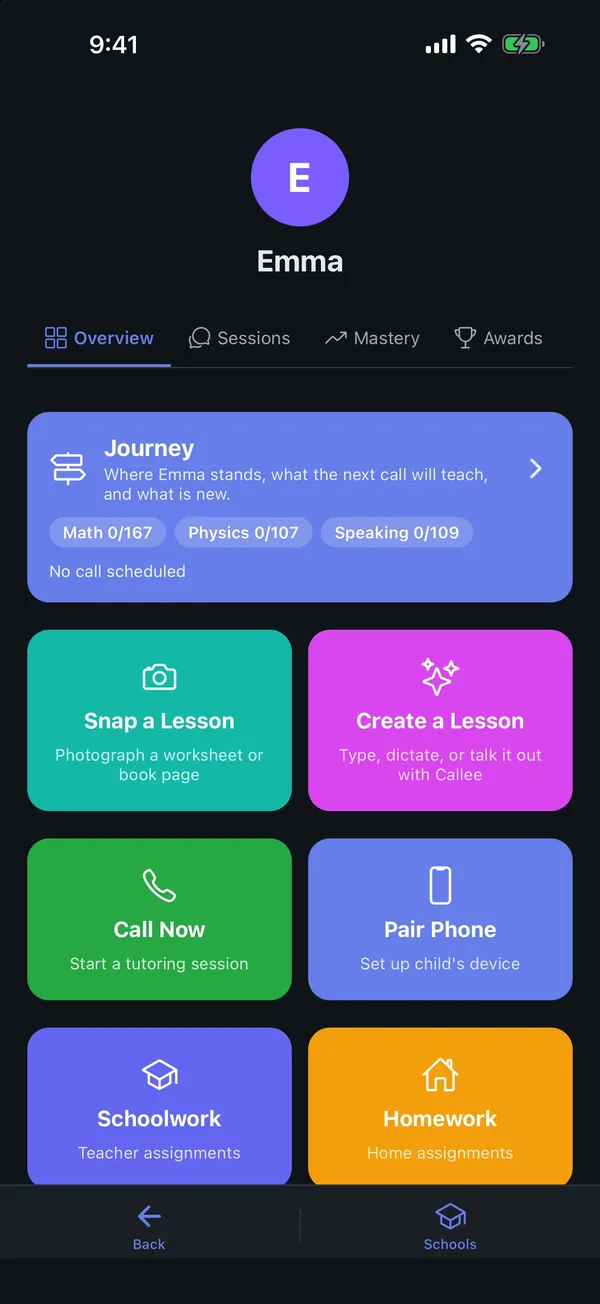
A world to explore, one skill at a time
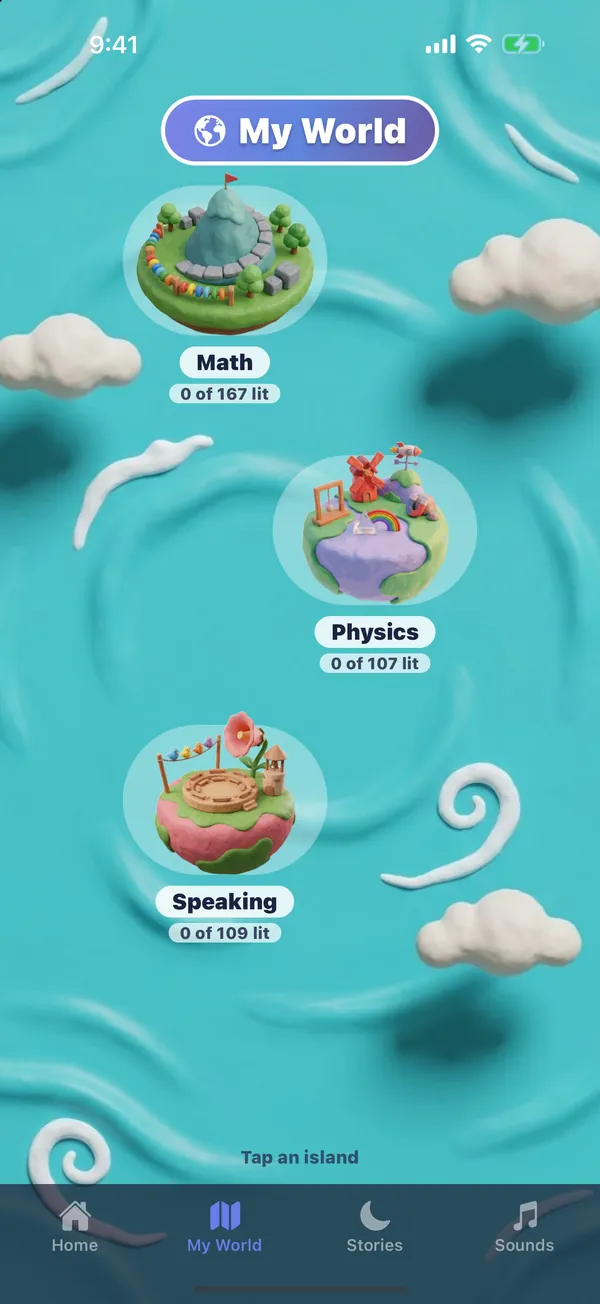
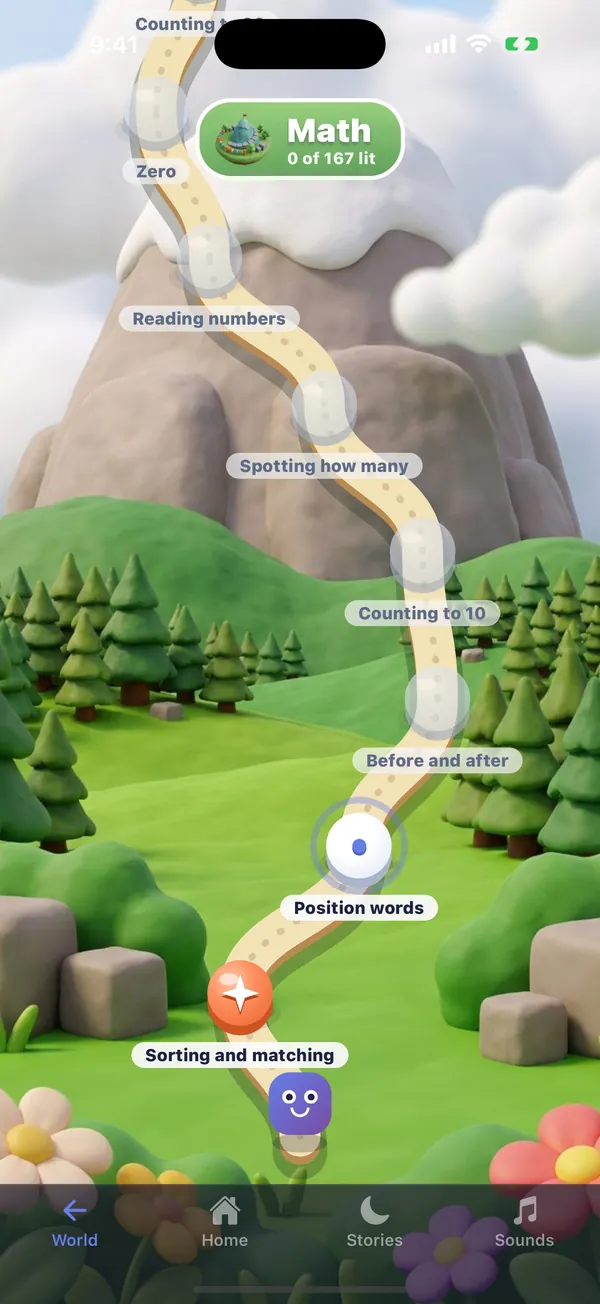
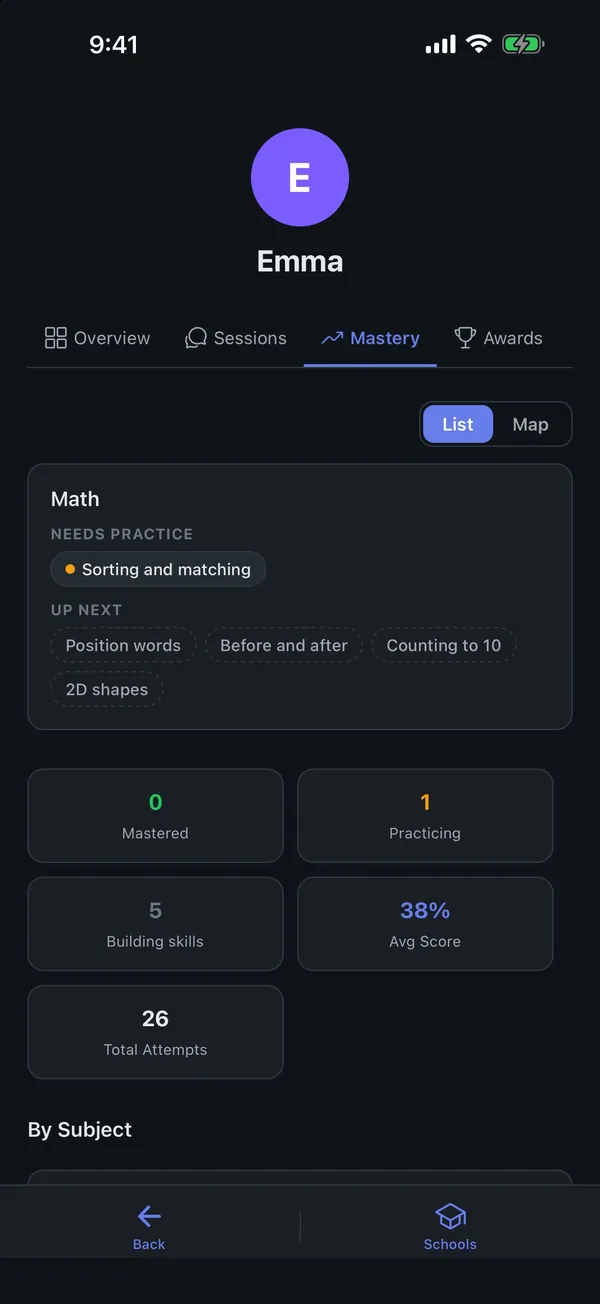
Every subject is an island in My World, with a trail of skills to light up. Callee plans the next lesson from where your child really is.
A trail, not a score
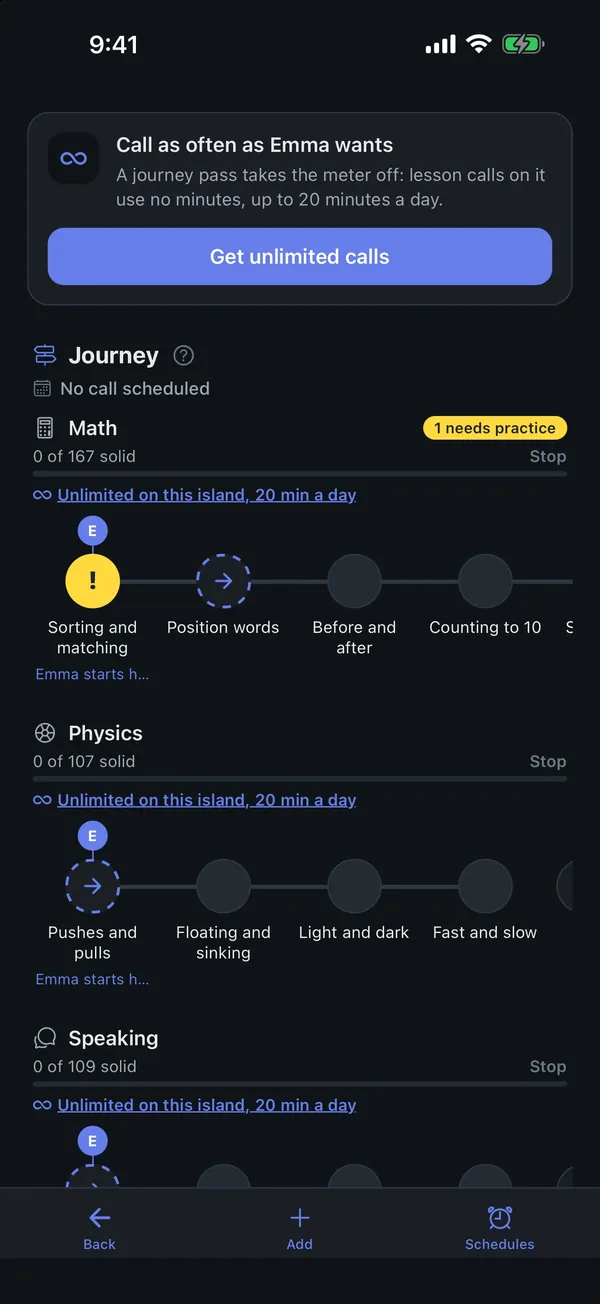
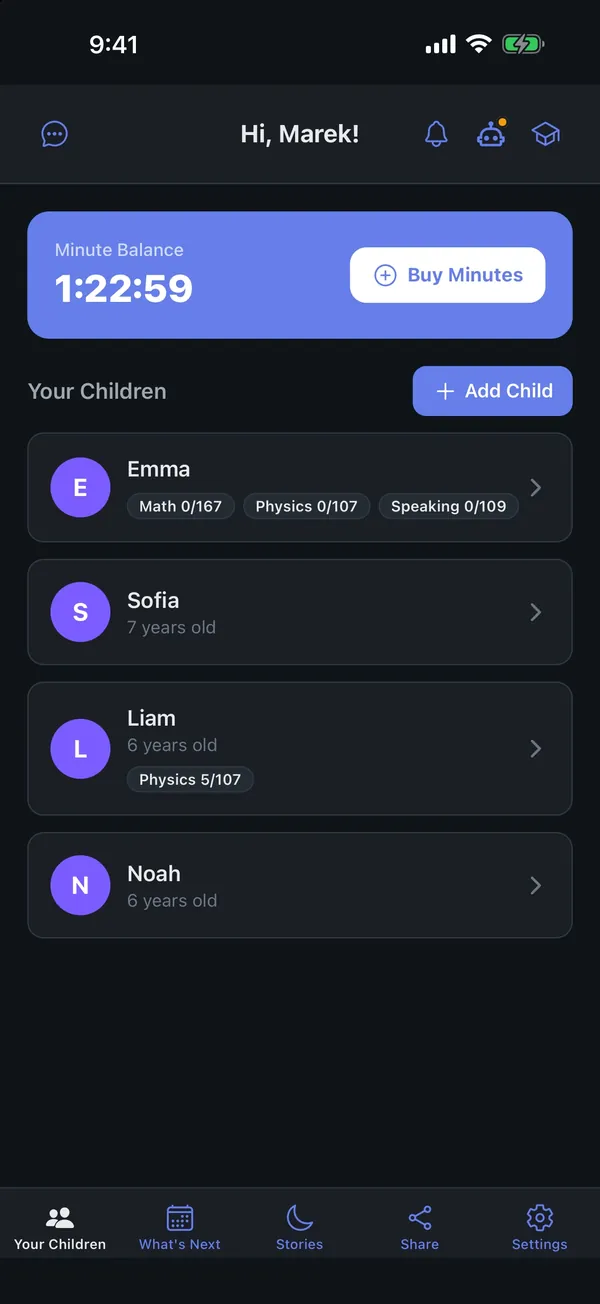
Each spot shows what your child has got, what they are practising and what comes next. No grades and no comparing siblings.
Callee plans the next lesson
Tick the subjects you care about and Callee builds every next lesson from the last calls.
Practice again, new, quick review
Lesson cards on your child's home screen suggest what to talk about today, and practice calls pick up where the last one ended.
Your view of the journey
See every skill per subject, what is new this week and when the next call is. Tap a skill to call now or schedule it.








Bedtime stories written for your child
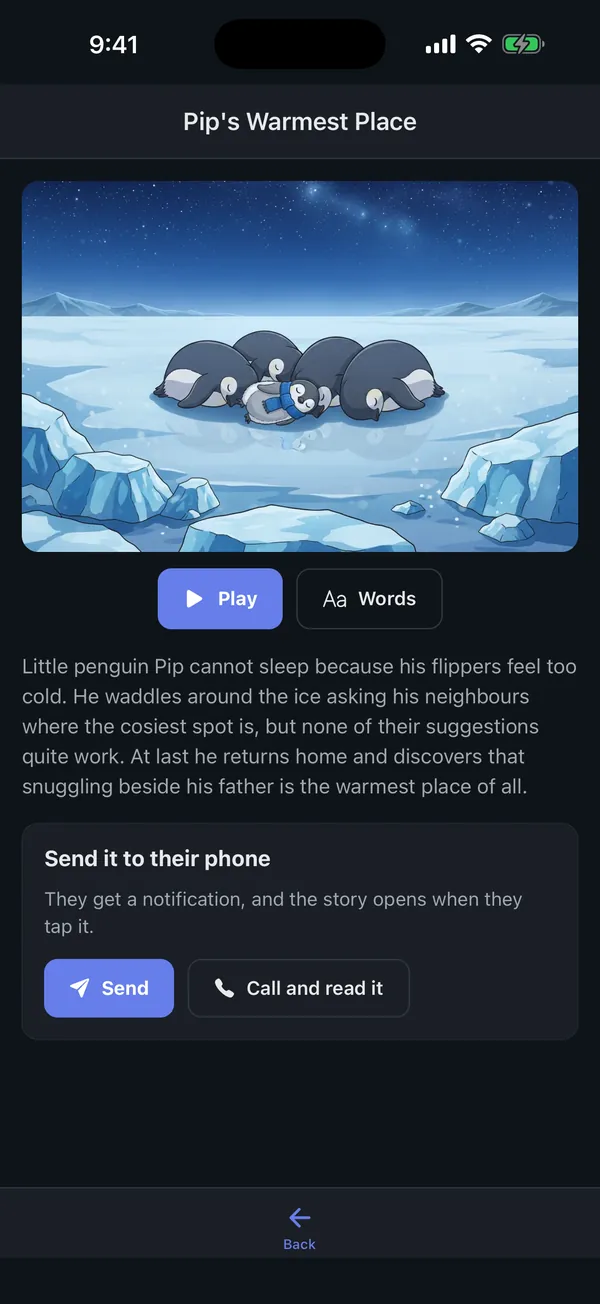
Describe a story in a sentence. A few minutes later it is ready, illustrated and narrated, starring the characters your child loves.
A story with a quiet lesson
Ask for a story that gently helps with something, like a first day at school or sharing with a sibling.
Characters that come back
Keep a cast of characters, approve how they look, and continue the story chapter by chapter.
Made for bedtime
Narration with highlighted words, optional music, a dark player and a screen-off mode. Choose 3, 5 or 10 minutes.
Send it to your child
Push the story to your child's phone, or ring them so it plays like a call. Kids can also ask Callee for a story during a call.
Kids make their own
Children pick a hero, a place and what happens from gentle choices. You decide whether they can and how many a day.
Callee Originals
A growing library of house stories, free for every family.

101 languages, including yours
Callee teaches in your child's home language and helps them learn new ones. The whole app speaks their language too.
Learn in the language you speak at home
Every subject, every call, every story in your child's language, including right-to-left scripts like Arabic and Hebrew.
Learn a new language by talking
Add the languages your child is learning. Callee switches into them and follows a step-by-step beginner course, one conversation at a time.
Native voices
Each language has its own voices, so the accent sounds right.
You always know how the call went
Every call ends up in your app with a summary, the full transcript and what your child learned, without you having to sit next to them.
Summaries and transcripts
Date, length, a short summary, the full transcript and the learning assessment for every call, plus an email after each one.
Call insights
How engaged your child was, whether the goal was met, how much of the talking they did and how they felt at the end.
See and delete memories
See what Callee remembers about your child and delete anything with one tap.
You decide what they see
Switch on or off whether your child can start calls, see lesson cards, see My World or make stories.
Schedules that fit your week
Set call days and times per child, attach a lesson, or book a single call about one skill.
One account, every child
Add all your children. Minutes are shared across the family, and each child gets their own profile, voice and journey.
The right notifications
Homework done, a story ready, a call your child did not enjoy. Choose which ones you get.
Designed for small hands and big questions
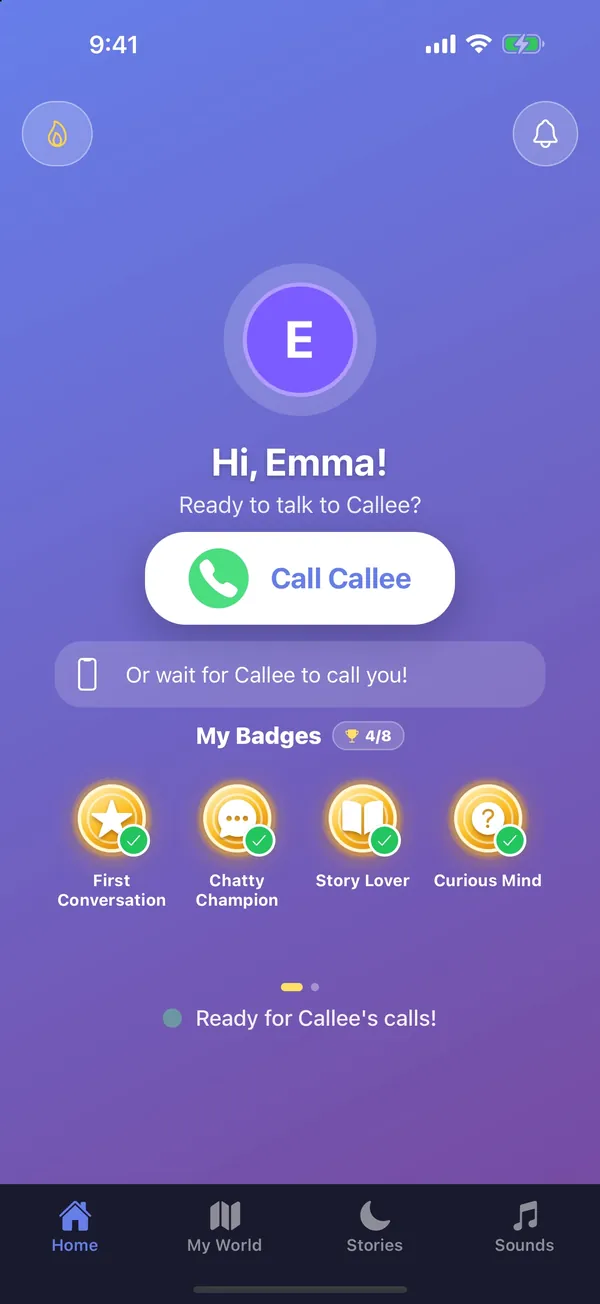
No menus to get lost in. A big Call button, a world to explore and a few things to collect along the way.
One big button
The home screen is built around calling Callee, with a countdown to the next scheduled call.
My Flame
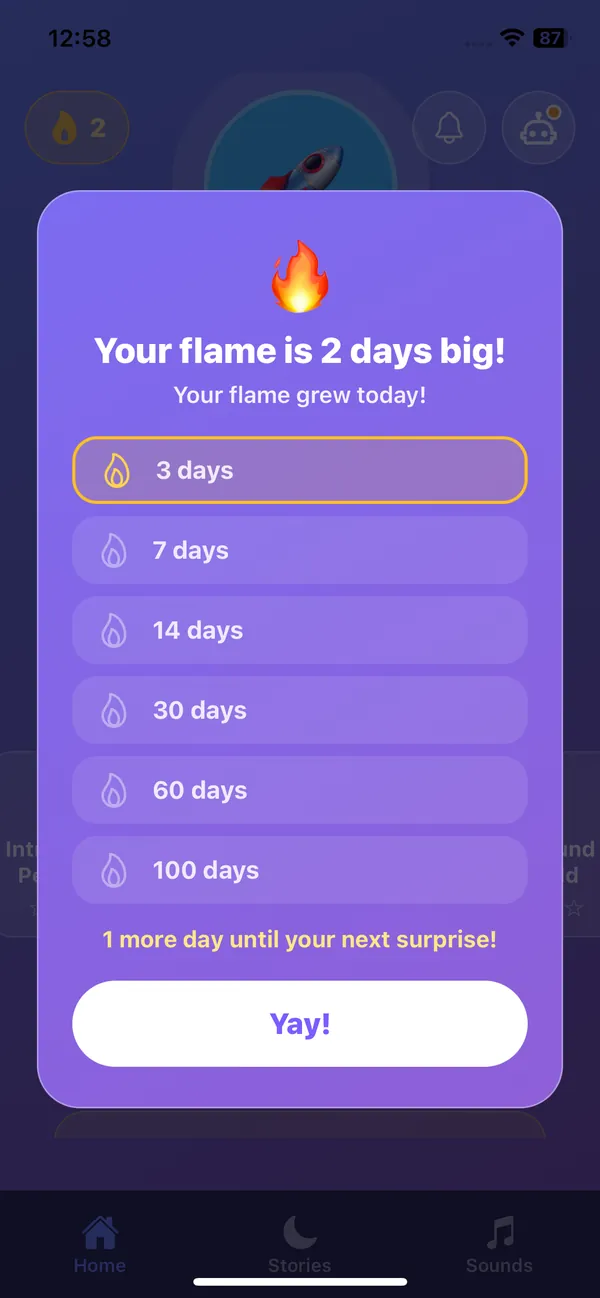
A streak that grows every day your child talks to Callee, with surprises at milestones.
Badges for curiosity
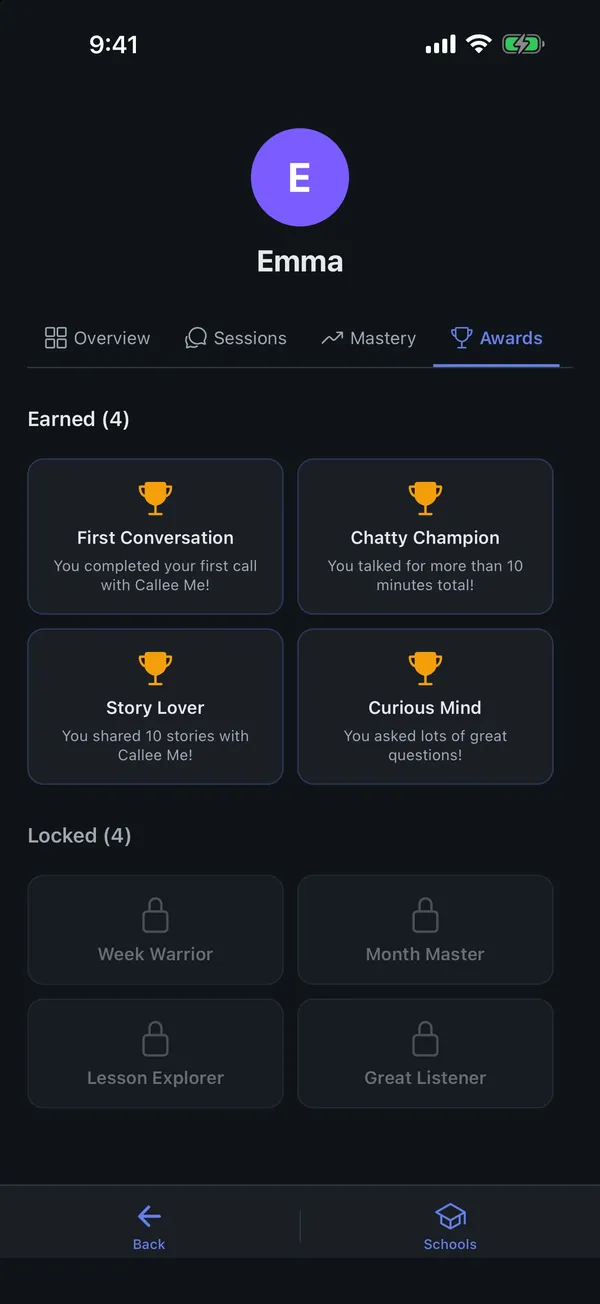
Badges reward talking, asking questions and finishing lessons, not screen time.
End-of-call celebration
Callee counts the stars, shows the new spots lit on the map, then asks how the call felt.
My Sounds
Kids pick how loud Callee is, from quiet to loud. Settings for grown-ups stay behind a grown-up gate.
Their own login
On the web, kids sign in with a simple PIN. On their own phone, it is paired once with a 6-digit code.
A tutor for every student in the class
Teachers set the work, Callee talks it through with each student at home, and the results come back to the gradebook.
Classrooms and co-teachers
Create classrooms with co-teachers, assistants and substitutes. Parents join with an invite code or find your school.
Assignments and grades
Assign lessons to a class and see results and grades per student and per subject.
The lesson creator, for class
Turn a worksheet or a lesson idea into a voice lesson in seconds.
Enrollment you approve
Approve or decline join requests. Parents are told the decision right away.
Built for children from the first line of code
Children's trust is the product. These rules are not settings, they are how Callee works.
Parents create every profile
Children cannot sign up on their own. A parent sets up each child and controls everything.
No ads. No data selling.
No advertising to children, ever, and no selling of personal data.
Photos never stored
Homework photos are read once to help with the problem and never kept.
Transcripts for parents
Read every call. If our review flags something unusual, a person on our team looks at it.
Gentle by design
Kids build stories from safe choices, Callee's face never shows fear or anger, and personal stories are never published.
Made in Europe
Built by Foriero, a company in the Czech Republic, following GDPR.
Works where your family already is
Use Callee in any browser, on Android phones and tablets, and soon on iPhone and iPad.
Web
The full parent dashboard, calls in the browser, the kids' portal and the teacher portal.
Android
Phones and tablets, with real ringing calls for kids.
iPhone and iPad
In review with Apple. Coming soon.